 StaySweep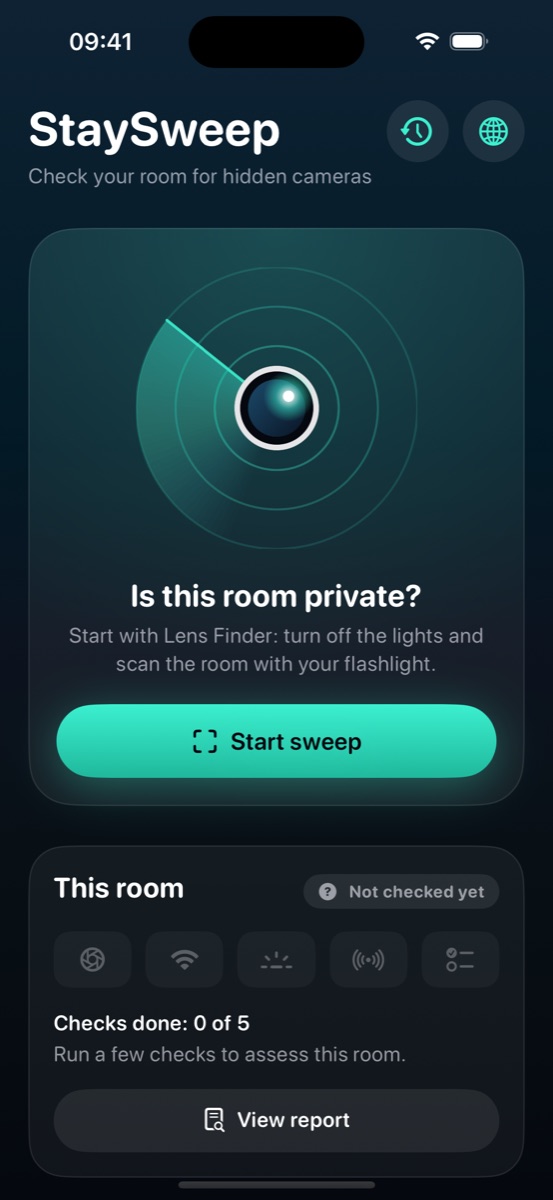
Lens Finder
Pulses the flashlight and spots the tiny reflection a camera lens bounces back.
StaySweep helps you check hotel rooms and short-term rentals for hidden cameras in a few minutes — using your iPhone's camera, flashlight, Wi-Fi and Bluetooth.
No accountScans stay on your iPhoneOne-time purchase
Cameras hide in smoke detectors, chargers and clocks. Some stream over Wi-Fi, some record to a memory card. Using several methods together is what makes a sweep reliable.
Pulses the flashlight and spots the tiny reflection a camera lens bounces back.
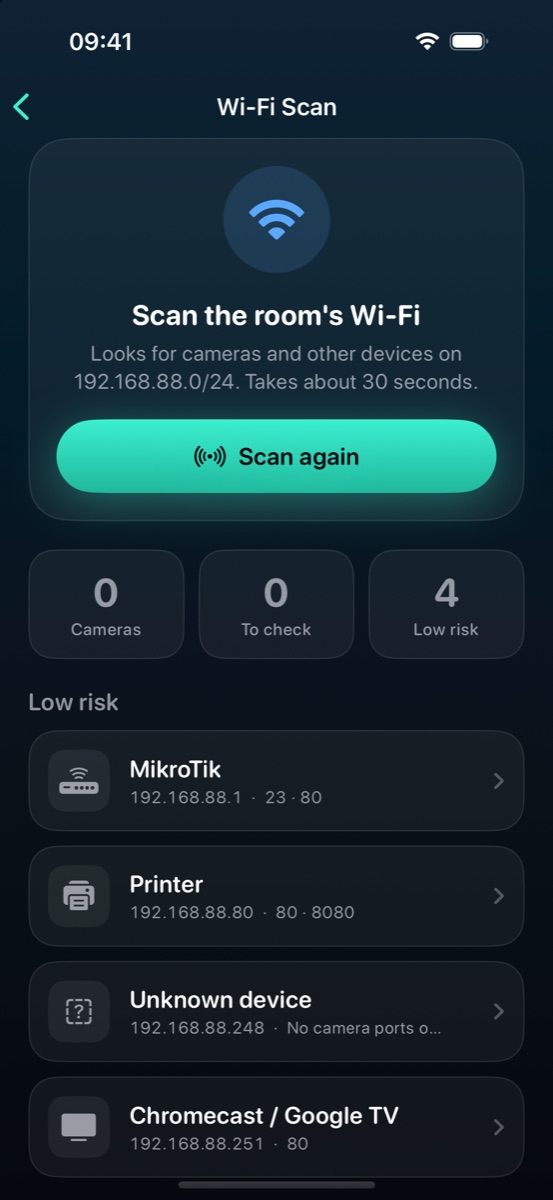
Finds IP cameras on the network you're connected to by their video ports and signatures.
Reveals night-vision LEDs that glow on screen in a dark room but are invisible to your eyes.
Lists nearby devices, flags camera-like ones and trackers, and guides you to them by signal.
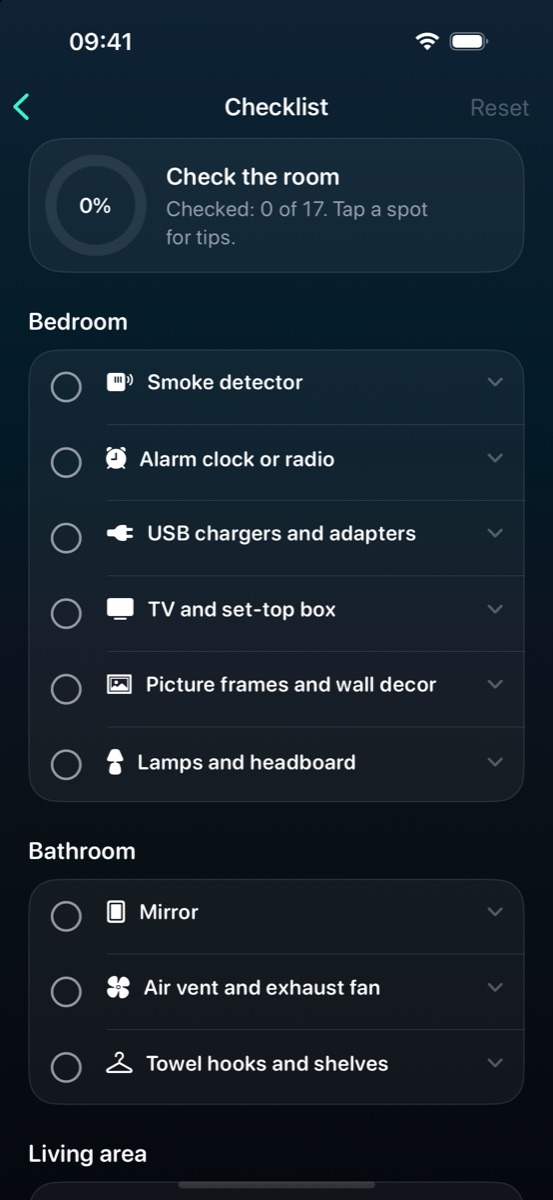
Where cameras are usually hidden, room by room, with tips for checking each spot.
Close the curtains and pan Lens Finder across every wall. Red rings mark reflections worth a closer look.
Join the room's Wi-Fi and run a scan. StaySweep explains each device it finds and how likely it is to be a camera.
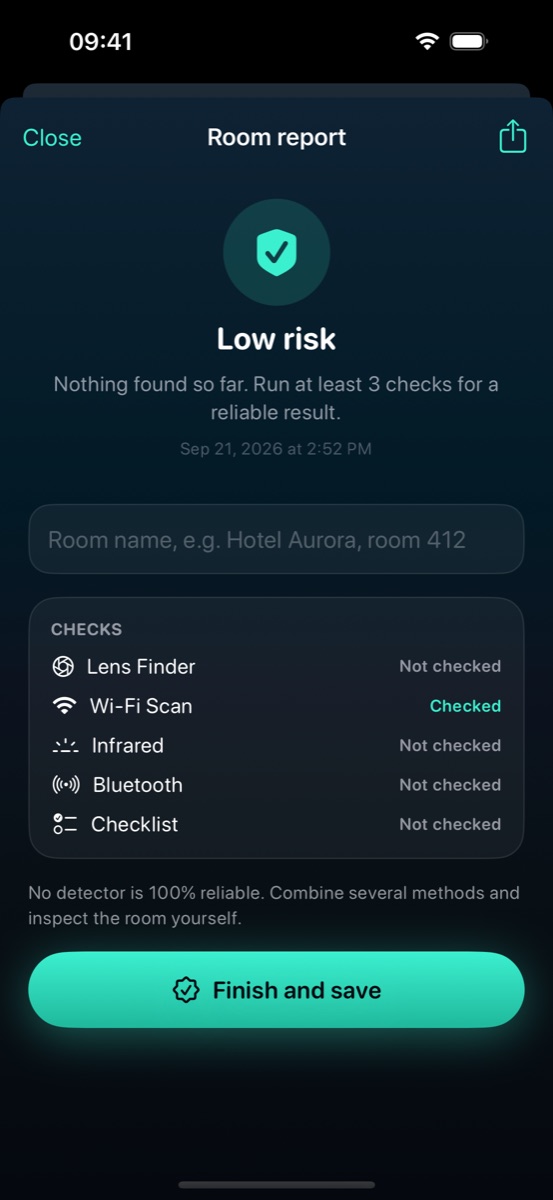
Every check adds up to one verdict for the room. Save it, or share a PDF with the host or booking platform.
StaySweep looks at the room, not at you.
StaySweep finds likely signs, not proof. Combine methods and look around yourself. If you find an undisclosed camera:
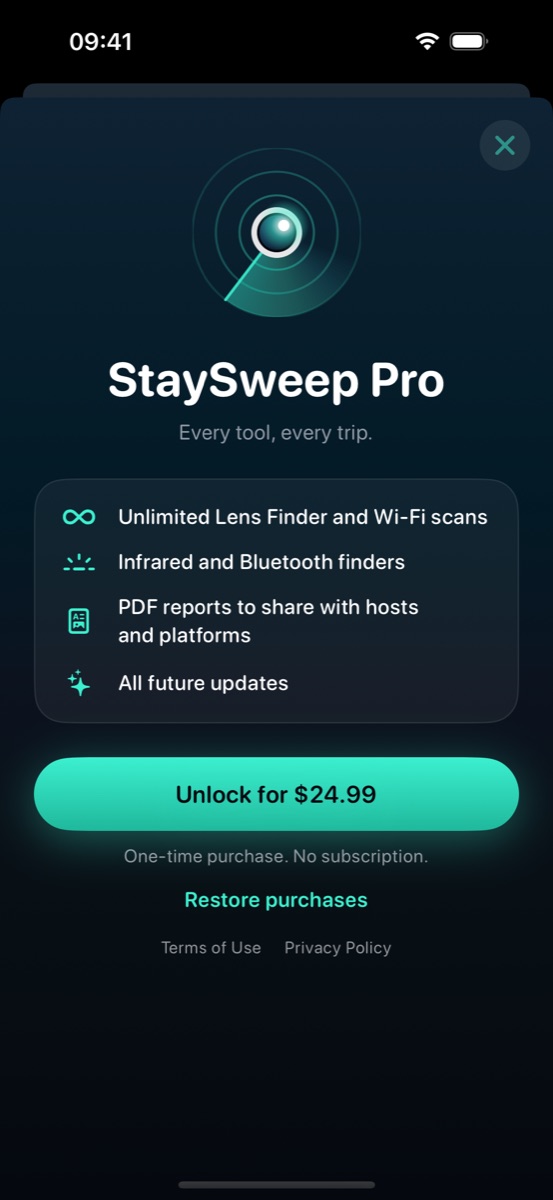
No subscription. Try the core tools for free.

No app can. Each method has blind spots: a camera recording to a memory card isn't on the Wi-Fi, and a lens behind a dark filter may not reflect. That's why StaySweep combines five methods and gives you a checklist for a manual look.
Lens Finder, Infrared, Bluetooth and the checklist work offline. The Wi-Fi Scan checks the local network you're connected to and doesn't need the internet. Buying Pro needs a connection.
Scan results stay on your iPhone. The app sends only anonymous usage events (for example, "Wi-Fi Scan opened") and purchase information needed to unlock Pro. See the privacy policy.
To look for cameras on the Wi-Fi you've joined. It only talks to devices on that local network and never sends what it finds off your phone.
Any iPhone with iOS 17 or later. StaySweep is available in English, Spanish, French, German, Italian, Portuguese, Russian, Japanese, Korean, Chinese, Arabic and Hindi.
Purchases are handled by Apple. You can request a refund at reportaproblem.apple.com.